



Imagine you're three hours into a five-hour trip visiting family for the holidays and your daughter asks, "Can I play Roblox on your laptop?" Your work laptop that contains sensitive client files, financial records, and full access to your business systems. You're tired from packing, still have a long drive ahead, and honestly, keeping her entertained seems like a great idea. But is it worth the risk?
Holiday travel introduces unique security risks you don't typically face day-to-day. You're tired, distracted, connecting to unknown WiFi networks, and juggling work-checks alongside family time. Whether you're travelling for business, pleasure, or a bit of both, here's how to shield your data without spoiling the festive spirit.
Pre-Trip Essentials: 15 Minutes to Secure Your Devices
Spend just 15 minutes before you leave to safeguard your tech:
Device Fundamentals:
- Install all the latest security updates and patches
- Backup crucial files to a reliable cloud service
- Set your device to auto-lock after no more than two minutes of inactivity
- Enable "Find My Device" features on all phones and laptops
- Fully charge your portable power bank
- Don't forget your own chargers and power adapters
Family Tech Rules:
- Clearly communicate which devices kids are allowed to use, and which are off-limits
- Provide a dedicated family iPad or secondary device for entertainment
- Create a separate user profile on your work laptop if kids need access
Pro tip: If kids need screen time en route, bring along a tablet not linked to your work accounts. Investing in a $150 iPad beats the nightmare of a data breach.
Hotel WiFi Hazards: What Everyone Gets Wrong
Once you check in and everyone's devices—phones, tablets, laptops, consoles—hit the hotel WiFi, it might feel convenient. Your teenager streams Netflix, your partner checks emails, and you try to polish that presentation for tomorrow.
The catch? Hotel networks are shared among hundreds of guests, and not all of them have your best interests at heart.
True story: A family connected to a fake WiFi network that mimicked their hotel's. For two days, every online action—passwords, credit card details, emails—was secretly captured.
How to protect yourself:
Confirm the network name—always ask reception for the official WiFi name. Don't guess or connect to networks with familiar but incorrect names.
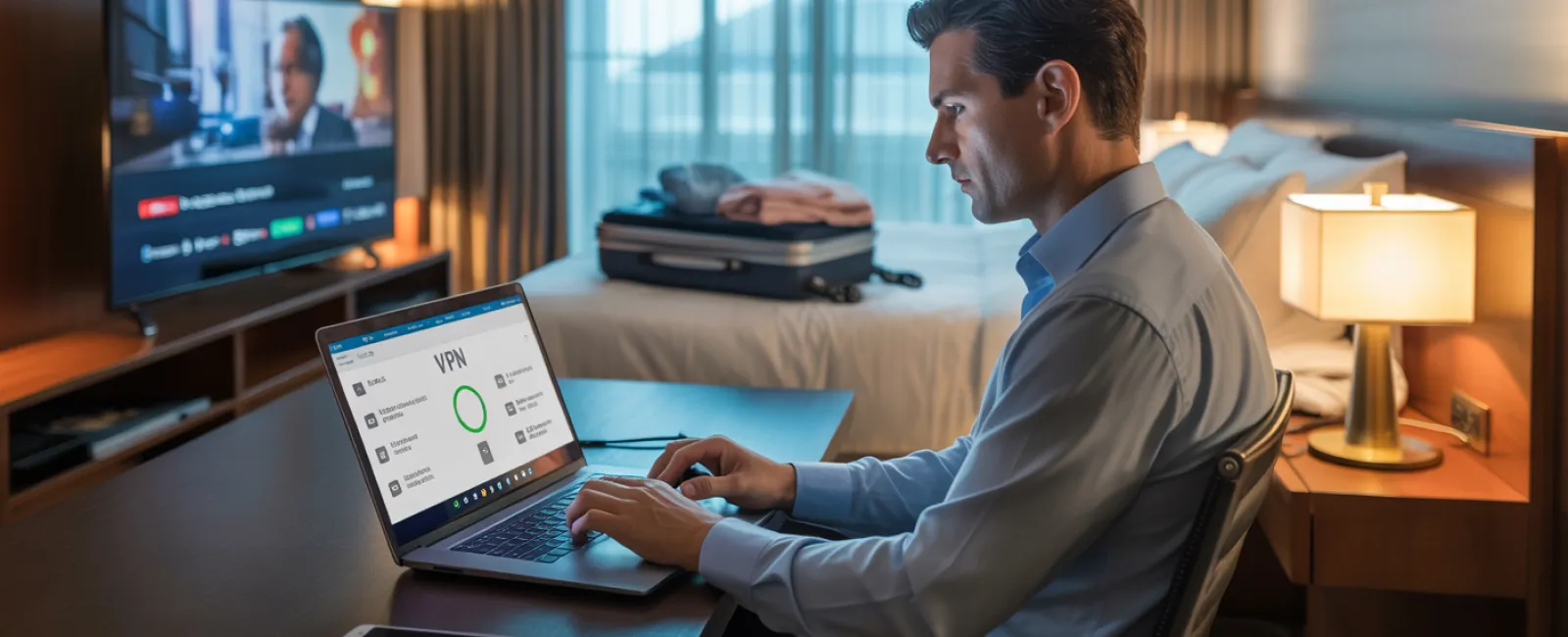
Use a VPN when accessing work resources—this encrypts your connection and keeps your data private.
For sensitive tasks like banking or client data, use your phone's hotspot instead of hotel WiFi.
Keep work and entertainment separate—kids can stream cartoons on hotel WiFi, but handle your business on your own secure hotspot.
The "Can I Use Your Laptop?" Dilemma
Your work laptop holds everything—emails, finances, client info, business systems. Meanwhile, the kids want to watch videos, game, or chat online.
Why this matters: Children might unintentionally download malware, click risky pop-ups, or share passwords. They may also forget to log out, putting your business at risk—not out of malice, but because they're kids.
How to handle it:
Politely but firmly say no to work devices—offer an alternate device instead and stick to it.
If sharing is unavoidable:
- Set up a separate user profile with restricted permissions
- Closely supervise device use
- Block downloads and installations
- Avoid saving any passwords for them
- Clear browser history when done
Better option: Travel with a dedicated family device—an older tablet or laptop that's not connected to your work accounts.
Streaming on Hotel TVs: Don't Forget to Log Out
Family movie night at the hotel sounds ideal until someone logs into your Netflix account on the smart TV and you forget to sign out before checkout.
Why it's risky: The next guests can access your account, and if you reused passwords across sites (please don't!), they might gain entry elsewhere.
How to avoid trouble:
- Use your own device and cast content to the TV for a safer experience
- If you do log in on the TV, set a phone reminder to log out before leaving
- Even better—download your shows prior to travelling and skip hotel TVs altogether
Never log into these accounts on hotel TVs:
- Banking and financial apps
- Work accounts
- Email services
- Social media
- Any account that stores payment details
What to Do if a Device Goes Missing
With the chaos of holiday travel, it's easy to misplace devices in hotels, rental cars, airports, or restaurants. If your device goes missing:
In the first hour:
- Use "Find My Device" to track its location
- If recovery isn't immediate, remotely lock the device
- Change passwords for key accounts from a secure device
- Contact your IT team or provider to revoke company system access
- If sensitive data was on the device, inform affected clients or stakeholders
Make sure your device has these features before travelling:
- Remote tracking enabled
- Strong, unique password protection
- Automatic data encryption
- Remote wipe capability
Lost device belongs to family? Apply the same steps: lock it remotely, reset passwords, and locate if possible.
The Rental Car Data Risk
Connecting your phone to a rental car's Bluetooth for music or navigation? The vehicle often stores your contacts, call history, and even text previews.
Unless cleared, this personal data stays accessible for the next driver.
Quick 30-second pre-return fix:
- Delete your phone from the car's Bluetooth paired devices
- Clear recent GPS destinations
- Or better yet, use an auxiliary cable or avoid connecting altogether
Setting Boundaries on "Working Vacations"
You said this was family time, but you've already checked emails dozens of times, taken several "quick" work calls, and spent time on your laptop while others enjoyed activities.
This constant switching depletes your energy and lowers your cyber awareness. You're more prone to mistakes like clicking suspicious links or trusting unsafe networks.
Be honest with yourself: If unplugging completely isn't possible, establish firm boundaries:
- Set specific times to check work emails—twice a day max
- Use your phone's hotspot, not public hotel WiFi, for work tasks
- Work in private spaces like your hotel room to avoid prying eyes
- Be fully present during family activities—don't multitask
Ultimately, the best defence is to take genuine time off. Your business will survive a week off, and you'll return more alert and security-conscious.
The Holiday Travel Security Mindset
The truth is, mixing work and family on holiday isn't perfect. Sometimes your child really does need your laptop. Sometimes urgent emails demand attention while your partner drives. Life happens.
The aim isn't flawless security but making smart decisions to reduce risks:
- Prepare your devices thoroughly before departure
- Recognise high-risk activities (like banking on public WiFi) versus safer options (using a hotspot)
- Separate work data from family use whenever possible
- Have a clear plan in case something goes wrong
- Know when to say "Not on this device" and mean it
Make This Holiday One to Remember for All the Right Reasons
Holidays should be about cherishing moments with loved ones—not scrambling to resolve cyberattacks or explaining to clients why their data was compromised.
A bit of prep and straightforward guidelines safeguard your business and preserve your family's fun. Everyone enjoys the holiday and your data stays secure—everyone wins.
Need expert help crafting travel security protocols for your team and yourself? Click here or call us at 1300 136 420 to book your free 15-Minute Discovery Call. We'll tailor practical policies that secure your business without making travel a hassle.
Because the best holiday memory shouldn't be, "Remember when Dad's laptop got hacked?"


